

Moving Off WordPress Without Losing the Rankings You Already Have
Cal HewittPublished 14 min read
- switching providers
- owning your site
- getting found
- domains and hosting
Something finally pushed this to the top of your list. The renewal bill went up, or a plugin broke again on a Friday, or the person who used to keep the site updated moved on and nobody has logged in since. Now you have a quote to rebuild it as something faster and simpler, and the quote arrived with a warning attached: migrate WordPress to a static site without losing SEO and you may still lose the search traffic you have built up. That warning lands on top of a frustration you already had, so you are stuck between two versions of the same worry. Stay, and keep paying for a site you cannot easily change. Move, and risk the one thing the current setup still does for you. The good news is that the risk here is not mysterious, and it is not really about WordPress at all. It comes down to what happens to your web addresses, and that is something you can ask about before you sign anything.
Key Takeaways
Google treats this as a URL problem, not a platform problem
Its published process for a site move is organised entirely around addresses changing, and it says nothing about penalising a site for being static.
Permanent redirects do not throw away ranking signal
Google states plainly that permanent redirects do not lose PageRank, though that is a narrow technical statement rather than a promise about every position.
Sending old pages to your home page is the classic mistake
Google advises against pointing many unrelated old URLs at one home page, because it may be treated as a soft 404.
A WordPress export is not a migration plan
The export tool produces a content file. It is not your URL list, your redirect map, your forms or your PDFs.
Keep the redirects for at least a year
That is Google's own recommendation, and the reason not to cancel the old hosting the week after launch.
The Real Reason You Are Leaving Changes What a Good Move Looks Like
It helps to name what actually pushed you here, because different reasons point to different answers.
If the pressure is cost, the useful question is which cost. Hosting, plugin licences, a maintenance retainer, and somebody's hours every month are four separate bills that feel like one. If the pressure is fragility, the question is what breaks and how often. If the problem is that nobody can edit the site any more, that is a people and access problem, and a new platform will not solve it on its own.
That distinction matters because a move fixes some of these and not others. Fewer server-side moving parts can genuinely mean less to break. It does not remove domain renewals, DNS, certificates, hosting bills, form and email services, content upkeep, accessibility, privacy notices, backups or account security. Anyone describing a static site as maintenance-free is describing something that does not exist.
It is worth saying plainly that WordPress is not the villain in this story. It runs an enormous share of the web, including sites that rank well for years, and plenty of businesses should stay on it. The question in front of you is whether its trade-offs still suit how you actually work. That is a business decision, not a technical verdict, and it is yours to make.
Owners talking this through in public tend to land in the same place. In a thread posted to r/Wordpress in August 2026, the writer described a site that was not especially complicated, carrying plugins for forms, search, backups, security and page building, plus several whose purpose they had forgotten. They compared it to owning an old house and permanently waiting for the next thing to break. That is the honest shape of this decision. It is rarely about the editor, and almost always about the pile of things attached to it.
What happened next in that thread is worth more than the question itself. The writer asked about moving to a hosted website builder, and the reply that drew the most support, more votes than the original post, was not about features or price at all. It pointed out that a site on someone else's hosted platform is not really yours in the way a site you control is. That came from a WordPress community, unprompted, arguing against a move we might have been expected to encourage. It is the single most useful thing in the discussion, because it reframes the question. The risk is not leaving WordPress. The risk is leaving it for something you own less of than what you had.

What Google Actually Publishes About Moving a Site
Google documents a process for moving a site with URL changes, and reading it makes the shape of the risk obvious. Every step concerns addresses. Prepare the new site, map old URLs to new ones, redirect, update internal links, submit a sitemap, and monitor both properties afterwards. Nothing in it asks what software rendered the page.
On redirects, Google says permanent redirects do not cause a loss in PageRank. That is genuinely reassuring, and it is narrower than the way people quote it. It does not promise that every query position, click, conversion or rich result survives untouched. It says one specific mechanism is not lossy.
Two further statements are worth carrying into any conversation with a builder. Google says a medium-sized site may take a few weeks or more for most pages to move across, with larger sites taking longer, and that the pace depends on the number of URLs and server speed. It also says there is no fixed crawl frequency, and that the move completes only once Googlebot has visited every old and new URL at least once. So, a quiet fortnight after launch is expected behaviour rather than evidence that something went wrong.
Google is also specific about how to redirect. Server-side permanent redirects are the preferred route when an address moves for good, and JavaScript redirects are a fallback for when server-side or meta-refresh options are not available. That single detail is worth asking about, because a plugin-based or script-based redirect is not the same instrument.
The Order of the Work Protects More Than the Tooling Does
Each stage of a migration exists to protect something the next stage could break, which is why the sequence matters more than the software anybody uses.
Start with access and a way back. Confirm who controls the domain registration, DNS, the current host, the WordPress administrator account, analytics, Search Console, email, form destinations and source files. ICANN is clear that the registrant holds the contractual relationship with the registrar, including rights around managing, transferring and renewing the domain, so that account should sit with your business rather than with a vendor. Take a restorable backup of files and database, and keep the current hosting alive until the redirect and rollback plan is agreed.
Then inventory what exists. This is the stage that gets skipped. List indexable URLs, existing redirects, canonical tags, titles, internal links, sitemap entries, media and PDFs, forms, search, logins and downloads, and mark which pages earn real clicks or carry links from other sites. The WordPress export is one input here and only one. It produces a WXR file of posts, pages, comments, custom fields and taxonomies, which is content rather than an address list or a full configuration backup.
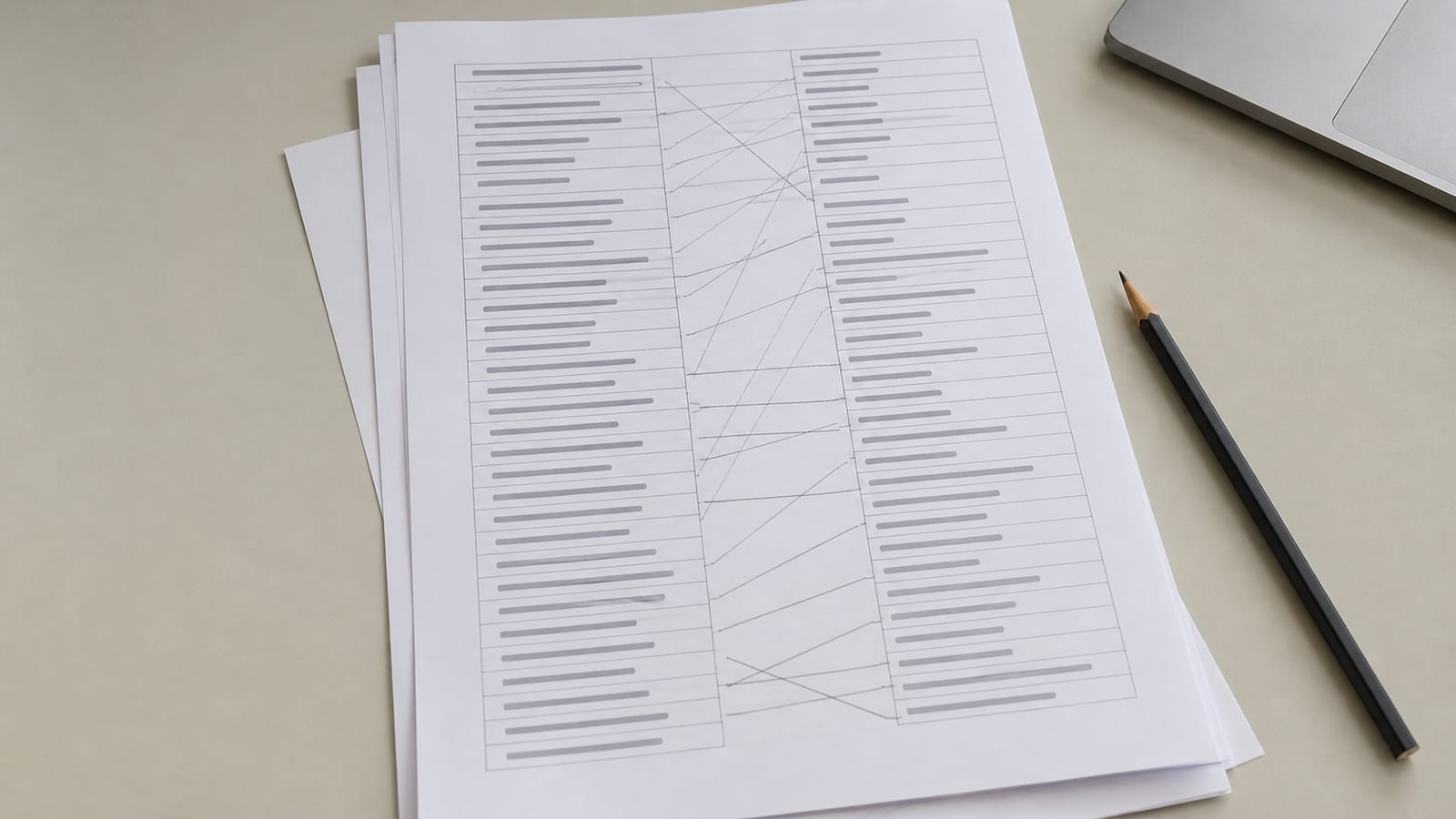
Then decide what actually moves. Every old URL gets exactly one of four labels: kept at the same address, redirected one to one to a genuine replacement, deliberately retired with a real 404 or 410, or replaced by a named service with a named user flow. Write down both the old address and the destination. That document is the redirect map, and it does more to protect the move than any other artifact in the project.
The only four labels an old address can have
Kept
The address does not change at all. This is the cheapest and safest outcome, and it is available more often than it gets offered.
Redirected
The page has a genuine replacement, so it points there permanently, one to one. Not to a category, and not to the home page.
Retired
The content is gone with no equivalent, so it returns a real 404 or 410. An honest missing page beats a misleading redirect.
Replaced by a service
A form, booking or login that needs a named tool and a named user flow, rather than a page that can simply move.
After that, build on a preview that search engines cannot index, test against the old inventory, launch in a quiet window with the old domain and its redirect capability still live, then verify and monitor. Retire the old systems last.
The order that protects each stage
- 1
Secure access and a way back
Confirm the registrant, DNS, host, admin accounts and analytics. Take a restorable backup. Keep the old hosting alive.
- 2
Inventory what exists
Indexable URLs, redirects, canonicals, titles, internal links, media, PDFs, forms and logins. Mark the pages that earn clicks or links.
- 3
Label every old URL
Kept, redirected one to one, retired with a real 404 or 410, or replaced by a named service. Write both addresses down.
- 4
Build where nobody can index it
Preserve page purpose, titles, descriptions, headings and internal linking. Plan to remove the blocking rules at launch.
- 5
Test before you launch
Status codes, the full redirect map, chains, canonicals, robots rules, forms, downloads and trailing-slash variants.
- 6
Launch and switch on redirects
Server-side and permanent, from each mapped address to its real replacement. Update internal links. Submit the new sitemap.
- 7
Monitor both properties
Watch indexing, errors and priority pages. Repair wrong targets and chains as they surface.
- 8
Retire the old systems last
Keep the redirects running for at least a year before anything gets cancelled.
Your Addresses Are the Risk, and Three Mistakes Cause Most of the Damage
If your URLs do not change at all, most of this exposure disappears before the project starts. That is worth establishing early, because it is often possible and rarely asked about.
Where addresses do change, three errors account for most of the harm. The first is redirecting everything to the home page. Google advises against pointing many unrelated old URLs at one irrelevant destination, because it may be treated as a soft 404, and a visitor gets told the same untrue thing: that the page they wanted is the front door. Content that is genuinely gone should return a real 404 or 410 instead.
The second is redirect chains and loops, which accumulate quietly through several rounds of fixing things later. Test the whole map rather than a sample of it.
The third is treating a permanent redirect as a guarantee. It is not lossy in the sense Google describes, and it still depends on correct mapping, crawl discovery, indexability and time. Redirects and canonical tags are strong signals for consolidating an address, while a sitemap entry is a weaker one, and they work best when they agree with each other.

One tool question comes up constantly. Change of Address in Search Console applies to a move between domains or subdomains, not to changing paths inside the same site, and not to a www or HTTPS change. If your domain is staying put, that tool is not part of your project.
What Happens After Launch Is a Monitoring Window, Not a Finish Line
There is no published build duration for a migration, and any figure quoted as an industry standard is a guess. Page count, retained URLs, custom templates, media volume, forms, memberships and approval speed all move it.
What is documented is the part after launch, and those are the numbers to hold a schedule against. A small or medium site can take a few weeks for most pages to move across. Larger sites take longer. No fixed crawl frequency exists. Google recommends keeping redirects for as long as possible, generally at least a year, and keeping user-facing ones indefinitely where that is practical.
The practical consequence is a scheduling distinction most quotes leave out. A project can be ready to launch while search processing runs on for weeks. Plan a monitoring window rather than calling the work finished the moment the new home page appears.
Hover or tap a row to highlight it.
| Step | Published time | What changes it |
|---|---|---|
| New URLs indexed | Weeks or more, medium site | URL count, server speed, and how well the redirects were done |
| Crawl frequency | None published | Google states there is no fixed rate for revisiting a page |
| Change of Address | 180 days | Applies to a domain or subdomain move, not a path change |
| Redirect lifetime | At least a year | Traffic still arriving on old addresses, and links you do not control |
| Build duration | Not published | Page count, retained URLs, integrations, content quality, approvals |
During that window, watch both Search Console properties. Old indexed URL counts falling while new ones climb is the expected pattern. Unexpected HTTP errors, pages missing from the new sitemap, and priority pages that stopped receiving clicks are the signals worth acting on. Google publishes guidance on debugging traffic drops precisely because the causes vary, so investigate a persistent pattern with page-level evidence rather than reacting to a fortnight of noise.
What Moves the Price Is Your Inventory, Not the Platform
No primary source publishes a standard price for this work, and a figure presented as a market rate is invented. Pricing here is scope-based, and the scope is your inventory.
The number rises with the count of unique URLs and redirect exceptions, content and media cleanup, features that need a genuine replacement such as search, forms, memberships or booking, location or multilingual pages, custom integrations, the state of existing tracking, and the length of the monitoring and repair period. It falls when the domain and URLs can stay put, the site is genuinely small, the content is clean, and there are few integrations.
Hosting is usually the smallest line and the one people fixate on. Cloudflare Pages starts at nothing, and most static hosts publish a free tier alongside paid plans. Read the limits before choosing on price alone: several of them pause a project once it passes the included monthly allowance rather than billing for the overage, which is an availability question and not a cost one.
The single largest cost driver is usually redesigning at the same time as migrating. Those are two projects. Doing both at once makes it far harder to tell which change caused any movement afterwards, and Google's advice on significant changes is to make them one at a time where possible. Splitting them costs more in calendar time and much less in uncertainty. The cheapest version of this project is the one where addresses stay put, content imports cleanly, and nothing else changes at once. Ask whether yours can be that one.
Several Useful Things You Can Do Before Anyone Is Hired
None of these risk anything, and all of them make the eventual quote sharper.
Export your content and keep the file somewhere you control. Take a full backup of files and database, and confirm you can restore it privately. WordPress's own documentation is direct that a proper backup of the database and files is what makes recovery possible, which is as true before a migration as before an update. Confirm who the registrant is by signing in to the registrar itself rather than a dashboard a provider gave you. Confirm you are a verified owner in Search Console under your own account.
Then pull your own evidence. Search Console will show which pages actually receive impressions and clicks. That list, rather than anyone's opinion, is the set of addresses that must not break. Twenty pages usually carry most of it, and knowing which twenty changes how the whole project gets planned.
The boundary is worth naming too. Do not change DNS, do not cancel hosting, do not edit registrant contact details, and do not delete anything from the old site. All four are easy to do and awkward to undo, and DNS edits in particular can interrupt email if records get overwritten.
Check whether your move is actually risky
1. Which change is the one that creates search risk in a rebuild?
2. An old page has no equivalent on the new site. What should it return?
3. When does the Change of Address tool apply?
4. How long should the redirects stay switched on?
5. What is the cheapest version of this project?
Pick an answer to begin.
Local Checks That Belong in an Arlington Plan
No Arlington or Texas rule governs how a website gets rebuilt, and anybody suggesting otherwise is selling something. The local part of this is operational rather than regulatory.
If your business is listed in local directories, the Greater Arlington Chamber's business resources and similar listings often point at specific pages on your site. Those links are outside your control and will not follow a redirect map you never told anyone about, so a post-launch pass through your own citations is worth an hour. The same applies to any Downtown Arlington stakeholder listing if you trade in the district.
One genuine legal note. If your migration copies form submissions, customer records or credentials, Texas Business and Commerce Code Chapter 521 sets breach disclosure duties for businesses holding certain sensitive personal information, and Chapter 541 carries controller obligations whose application depends on the facts of your business. That is a reason to handle exported data carefully during a move, not a reason to assume every duty applies to you.
Keeping the New Site From Becoming the Next Locked Door
This is the stage that gets cut when a project runs late, and it decides whether you are back here in three years.
Keep the redirect map. Keep the source or repository location, the list of who owns which account, the renewal dates, the editing instructions, and a backup and restore method that you have actually tested. Store all of it somewhere that is not inside a contractor's private account.
Verify both Search Console properties, submit the new sitemap with fully qualified canonical URLs, and take a baseline before launch so that afterwards you are comparing against something real rather than a memory.
Then keep paying for the old domain and its redirect capability. A year is the floor Google suggests, and another year of a domain renewal costs almost nothing next to discovering in month fourteen that you needed it.
Frequently Asked Questions About migrate wordpress to static site without losing seo
Will moving off WordPress hurt my rankings?
Not because of the platform. Google's guidance is organised around URL changes and says nothing about penalising static delivery. The risk comes from addresses changing without a proper map and redirects, which is preventable work rather than bad luck.
Can I keep my URLs exactly the same?
Often yes, and it is the single most effective way to reduce risk. Ask about it before anything gets designed, because retro-fitting old paths later is much harder than planning for them from the start.
Should I redirect old pages to my home page?
No. Google advises against pointing many unrelated old URLs at one irrelevant page because it may be treated as a soft 404. Content that is genuinely gone should return a real 404 or 410 instead.
How long before things settle down?
Google says a medium site may take a few weeks or more for most pages to move, longer for large ones, and that there is no fixed crawl frequency. Plan a monitoring window in months rather than days.
Is a WordPress export enough to move a site?
It is a useful input and not a complete one. It gives you content. It does not give you your URL list, redirects, form configuration, PDFs, media licences or third-party integrations.
Do I need the Change of Address tool?
Only if you are moving between domains or subdomains. It does not apply to changing paths within the same site, and it is not part of a project where the domain stays put.
Can I redesign at the same time?
You can, and it makes the result harder to read afterwards. Changing one major thing at a time means that if something moves, you know what caused it. If the budget only stretches to one project, migrate first and redesign later.
The Bottom Line
Leaving WordPress and keeping what you have built are not actually in conflict. They only look that way because most of the advice on offer collapses two separate questions into one and then answers whichever is easier. The platform is not the risk. Your addresses are, and they are largely under your control. Keep them where you can, map them one to one where you cannot, redirect to real replacements rather than to the front door, and watch both Search Console properties afterwards against a baseline you took beforehand.
Done that way, a migration removes a category of ongoing problems and preserves what you already earned. It is not an upgrade to your visibility, and anyone selling it as one is selling something else. What it does buy you is a site whose costs you can see, whose content you can change, and whose accounts are in your own name.
If you want that URL inventory done before anybody quotes you a rebuild, we are glad to do it. We are Arlington Website Designer, working out of Arlington, Texas and across Tarrant County, and nationally for search and writing work. We build static sites our clients own outright: the domain, the content, the analytics and the code, with no monthly platform rent. You can look through the sites we have built and see how they are put together, and when you are ready, get in touch and tell us what is pushing you to move.
The words a migration quote uses loosely
Tap a term to see what it means.
Redirect map. The document naming every old address and the exact new one it points to. It protects the move more than anything else, and it is the first thing cut when a project runs late.